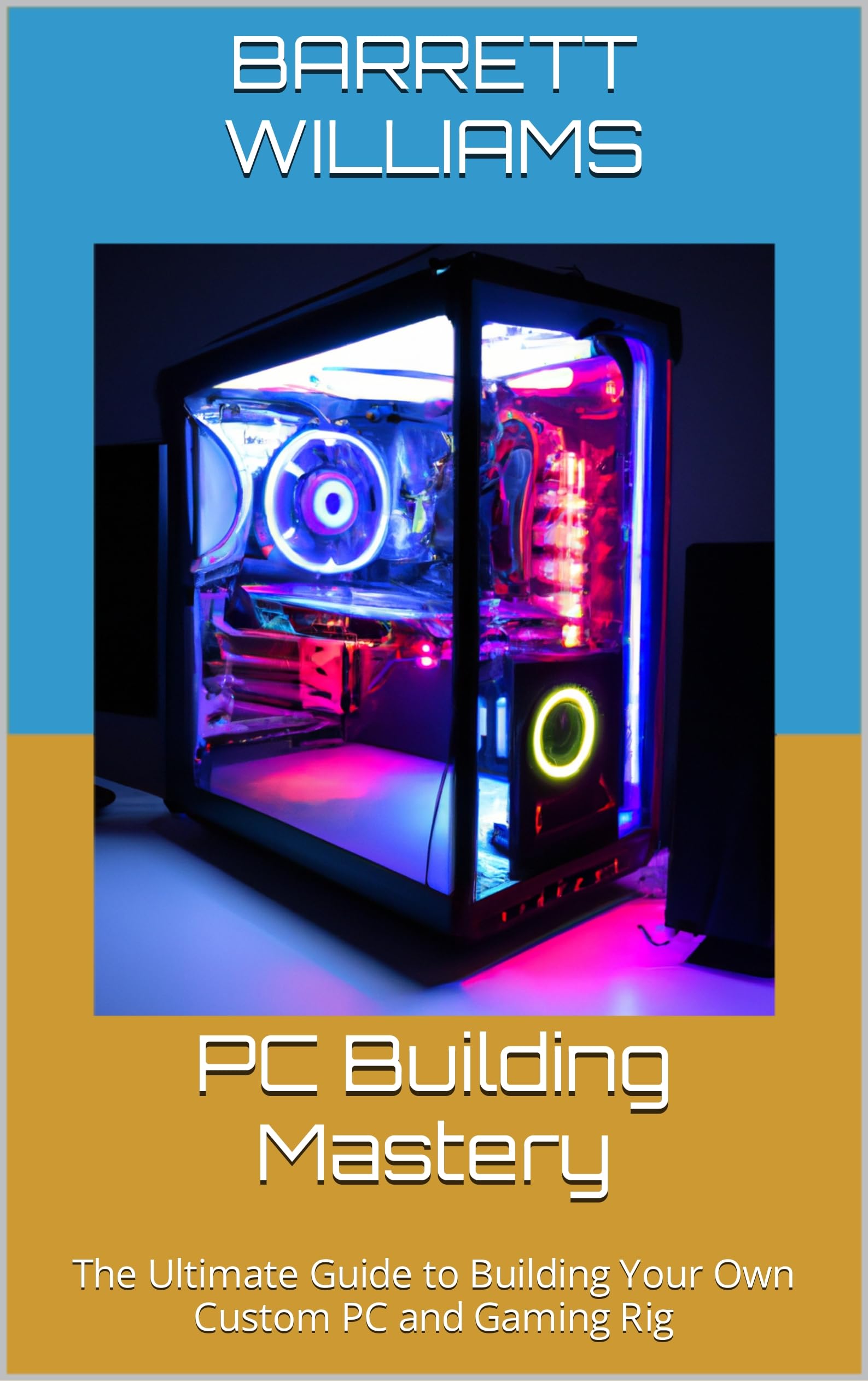
This guide serves as a comprehensive resource for individuals who are new to the process of assembling a personal computer. It covers the complete journey from selecting compatible components to physically building the system and resolving common issues after assembly. The content is organized in a logical, step-by-step manner, making it accessible even for those with no prior technical background. Each section focuses on a specific stage of the process, with clear explanations of hardware functions, compatibility considerations, and the rationale behind part choices. The text avoids unnecessary jargon and instead breaks down technical concepts into plain language that readers can easily follow. Practical advice on handling electrostatic discharge, cable management, and BIOS settings is included to help prevent common mistakes during the build. The book dedicates substantial space to understanding the role of each component, including the CPU, GPU, motherboard, memory, storage drives, power supply, and case. It explains how these parts interact and what factors to consider when matching them for a reliable, balanced system. Guidance on budget allocation and performance trade-offs is provided without being overly prescriptive, allowing readers to tailor their build to personal needs and preferences. Assembly instructions are accompanied by diagrams or detailed descriptions of each step, from installing the CPU and cooler to routing cables and connecting peripherals. After the hardware is assembled, the guide moves into software installation, covering operating system setup, driver updates, and basic benchmarking to verify stability. A significant portion of the guide addresses troubleshooting techniques, listing symptoms such as no power, boot failures, unexpected shutdowns, or performance issues. It offers systematic diagnostic steps and solutions that can be performed with minimal specialized tools. The troubleshooting flowcharts and checklists help readers isolate problems efficiently, which is especially valuable for first-time builders who may feel overwhelmed when something goes wrong. The tone remains neutral and instructional, focusing on facts rather than personal anecdotes or endorsements. This makes the book a reliable reference that can be revisited during future upgrades or repairs. Priced affordably, this volume provides substantial value relative to the depth and practicality of its content. It competes with more expensive texts that cover similar material, yet it condenses the essential information into a format that is both concise and thorough. The editing reflects a recent revision that ensures the hardware references and recommendations are current with the latest industry standards, though no specific year is mentioned to keep the content timeless. Readers will appreciate the balance between theory and hands-on guidance, allowing them to progress from research to a fully functioning computer with confidence. Whether building a general-use machine, a workstation for creative tasks, or a gaming rig, the principles outlined apply across a wide range of goals and budgets. The guide also touches on peripheral selection, ergonomic setup, and maintenance tips to extend the lifespan of the finished system. It addresses questions about thermal paste application, fan orientation, and how to check for physical damage on components before installation. By anticipating potential pitfalls and offering preventative measures, the book reduces the likelihood of costly errors. Its straightforward layout and index make it easy to skip to relevant sections during the build itself.
PC Building Guide for Beginners Great Deal on Amazon
PC
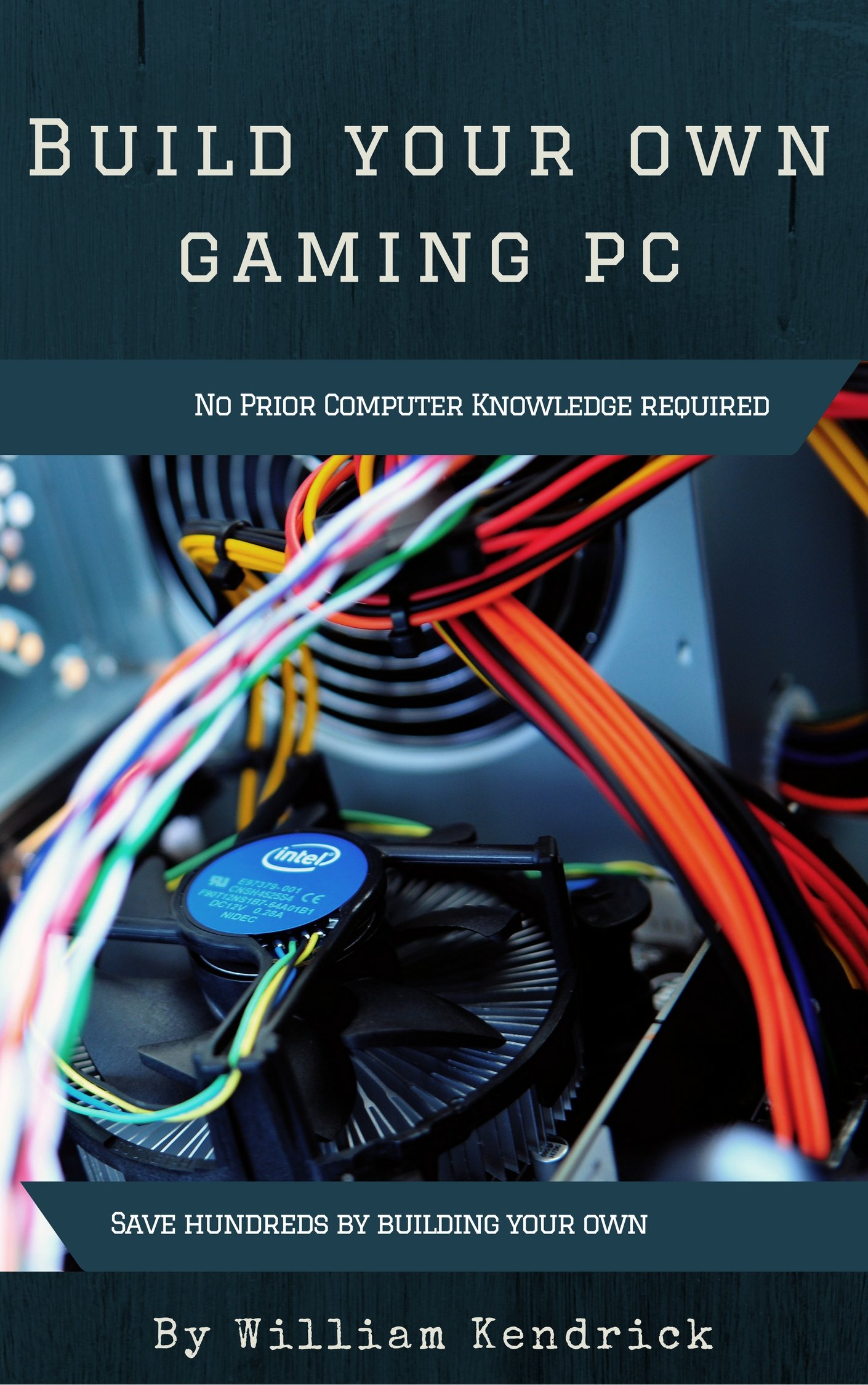
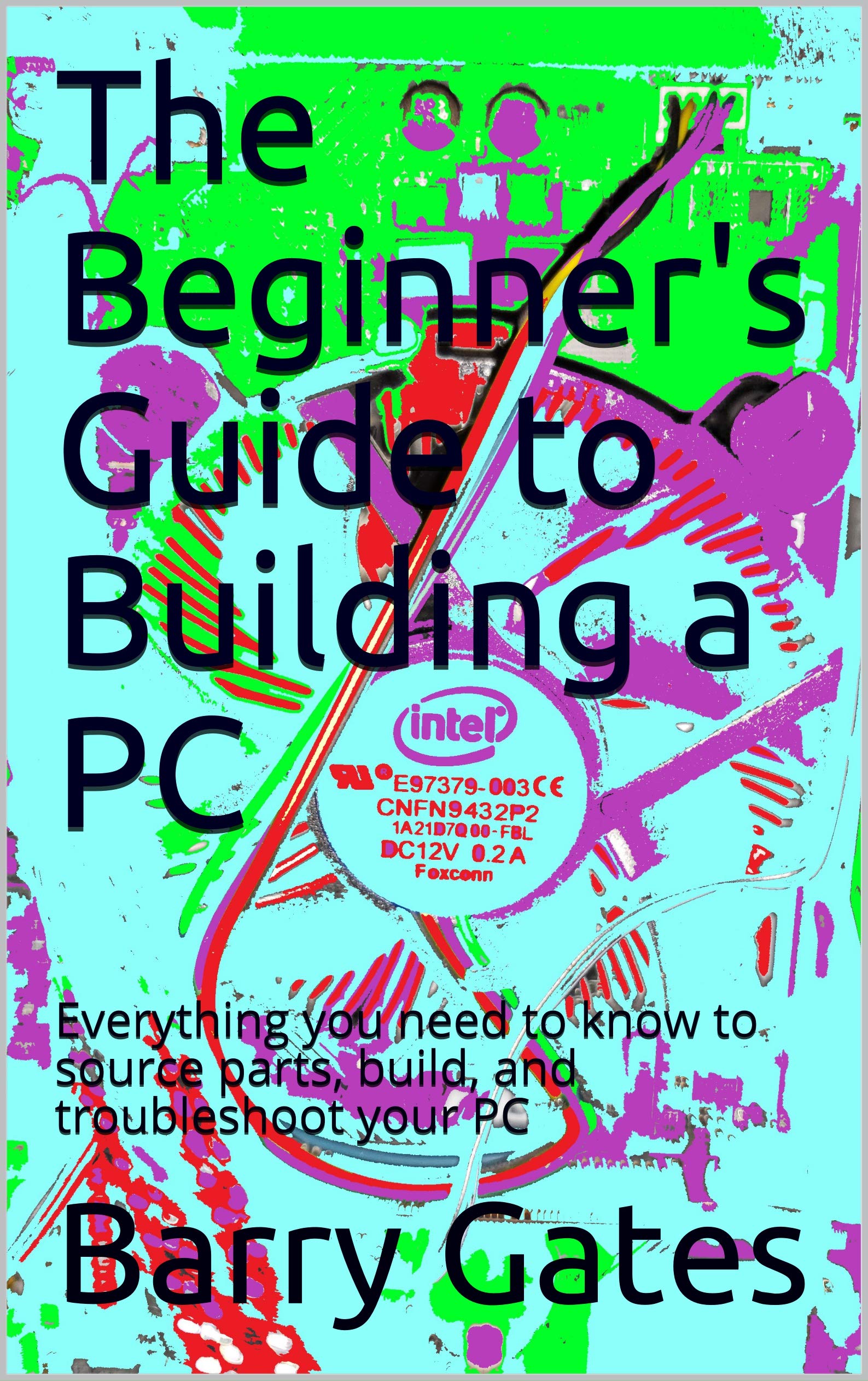
The Beginner's Guide to Building a PC: Everything you need to know to source parts, build, and troubleshoot your PC (Updated February 2021)
$1.00
The price is for reference only, the actual price shall be subject to that on Amazon.
PC Building Guide for Beginners – Great Deal on Amazon.
A step-by-step guide for beginners covering component selection, assembly, and troubleshooting. Priced at a remarkable value, it delivers essential knowledge for building a reliable PC without overspending.
Product Description
This is a practical, no‑frills manual that equips beginners with the knowledge needed to undertake a PC assembly project without feeling lost or intimidated.
Price Compare

Today's Deals