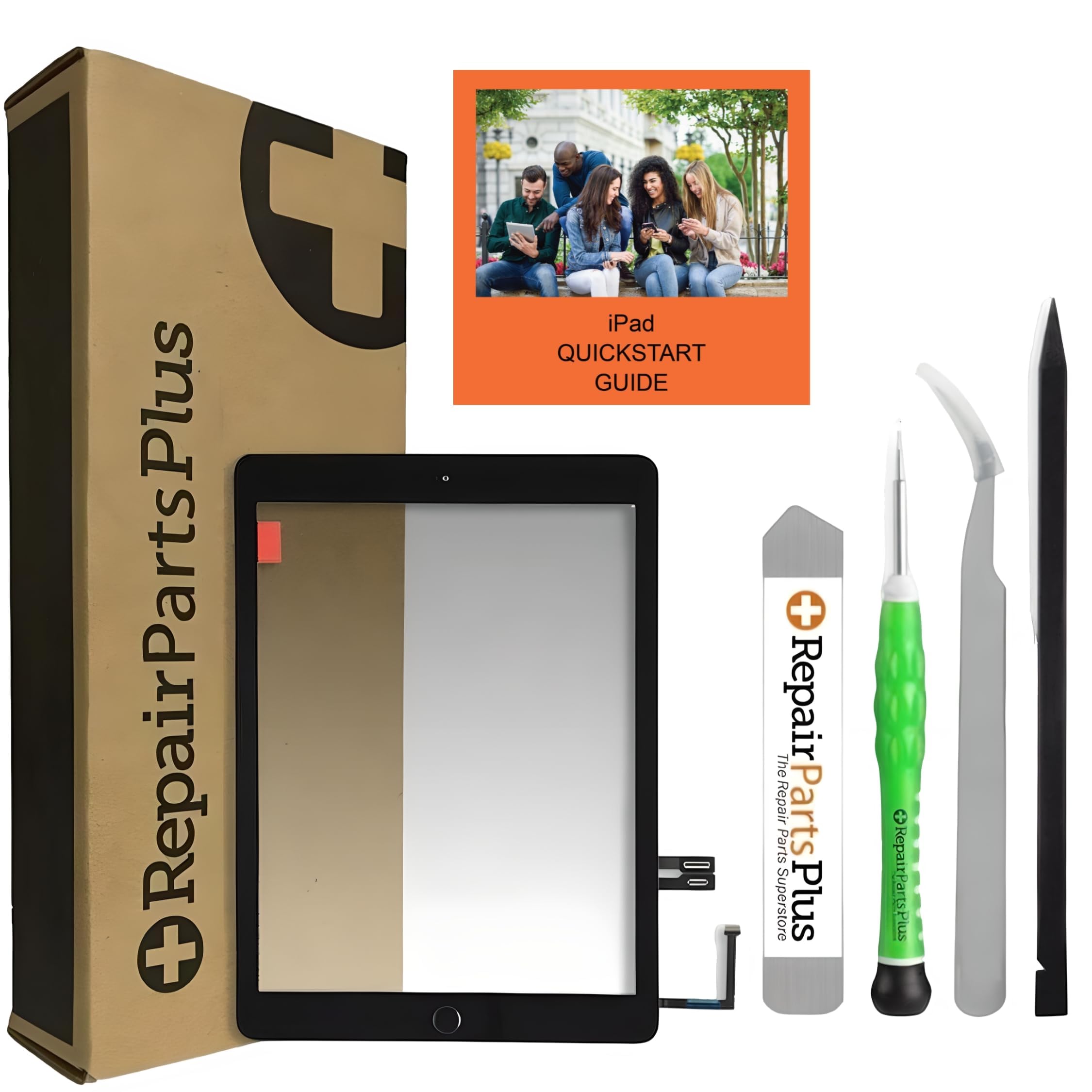
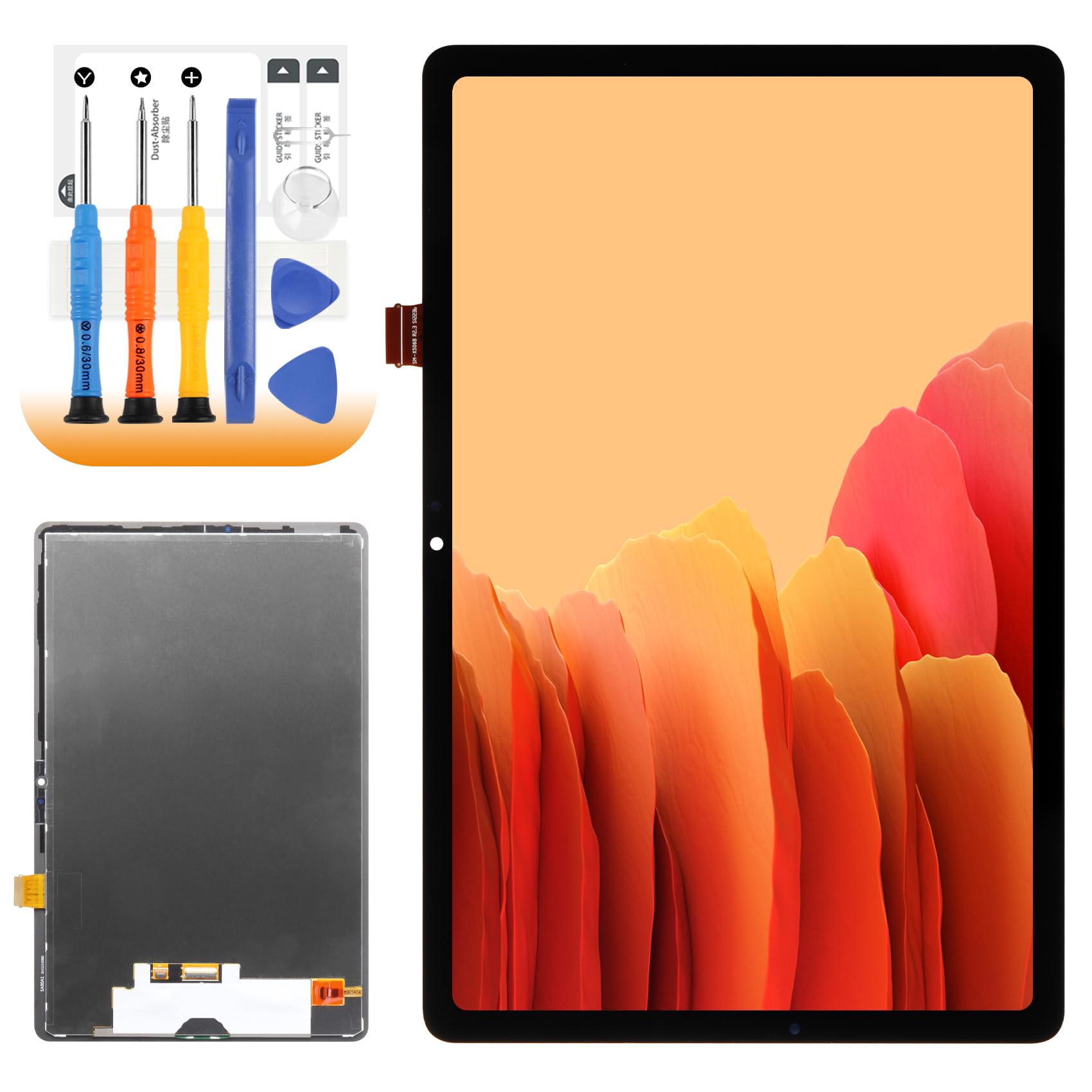
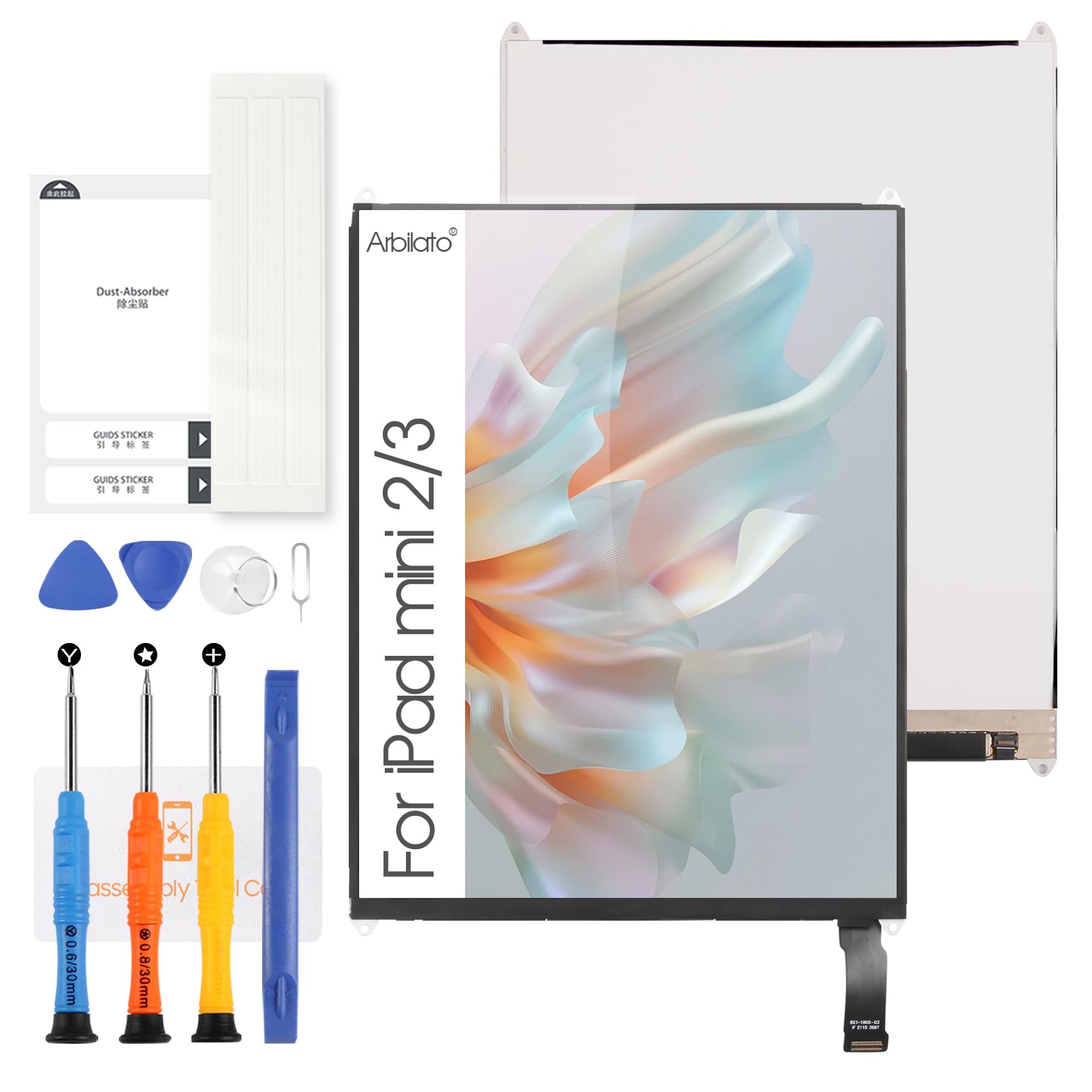
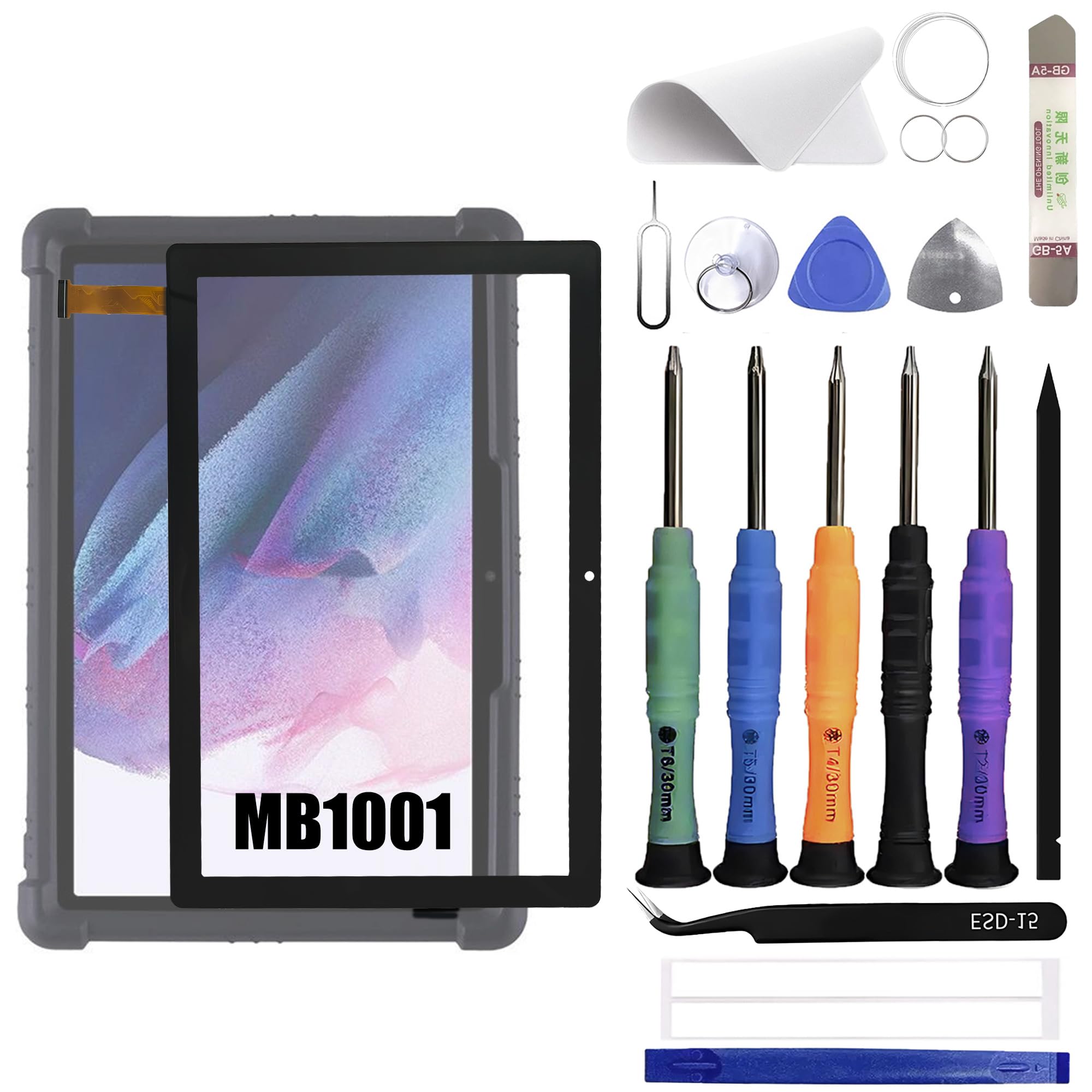
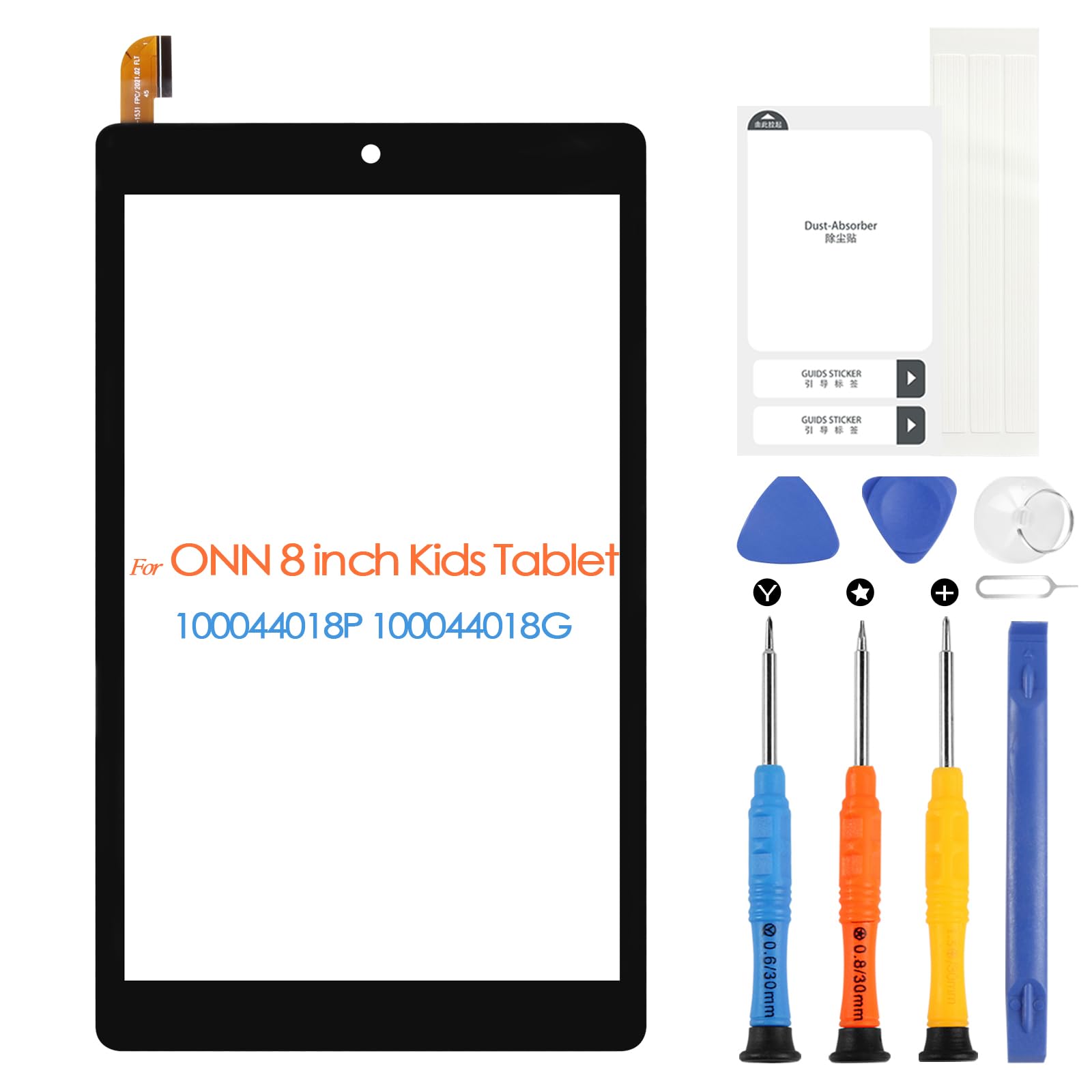
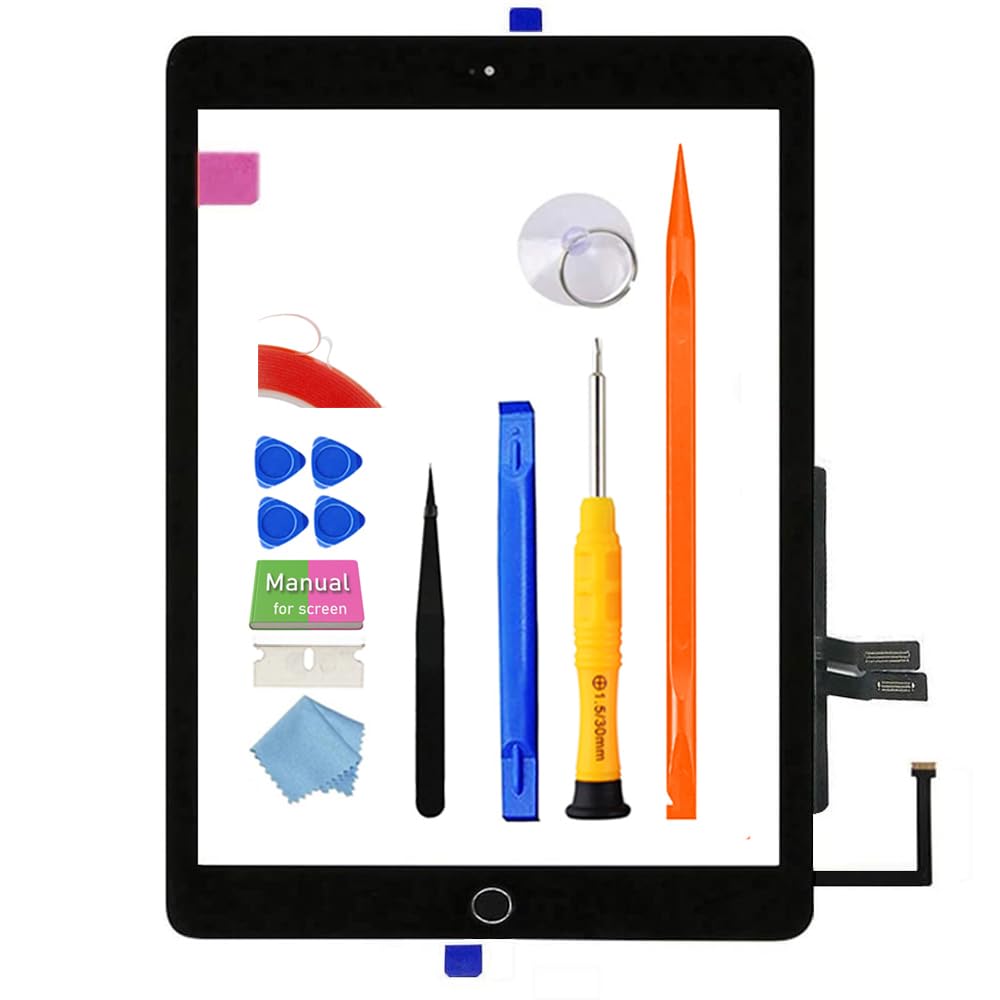
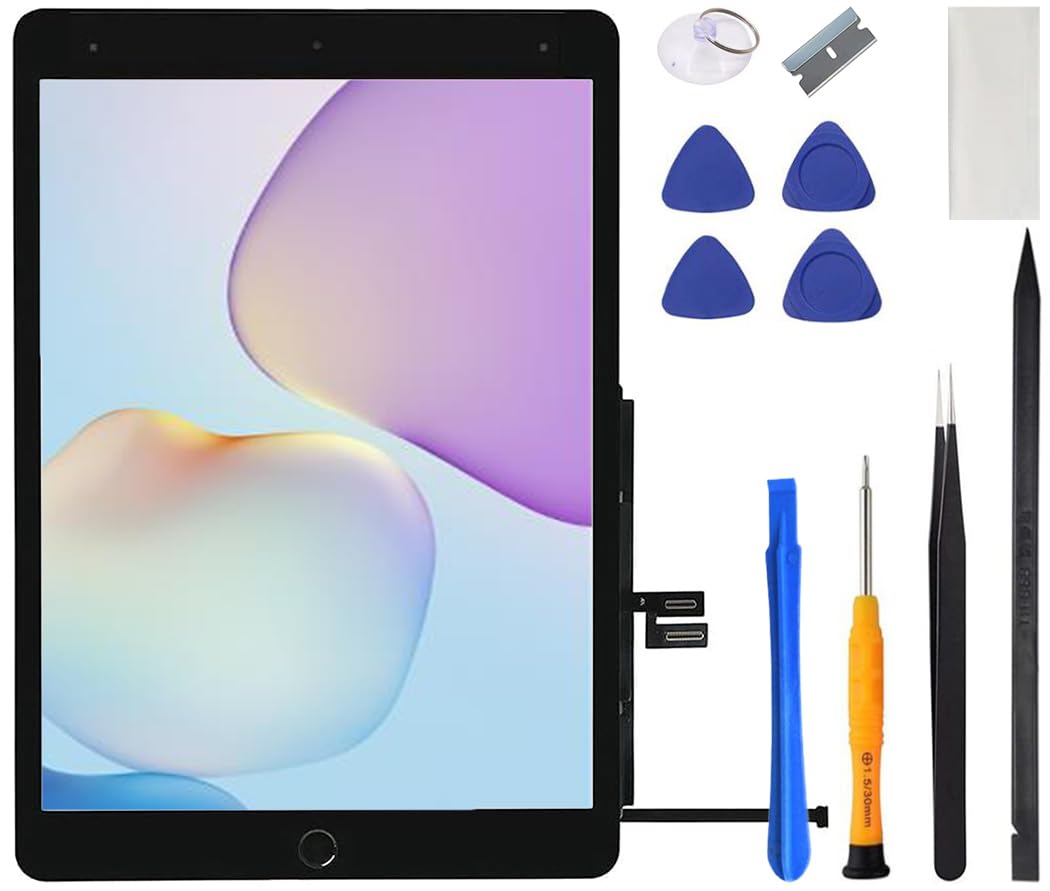
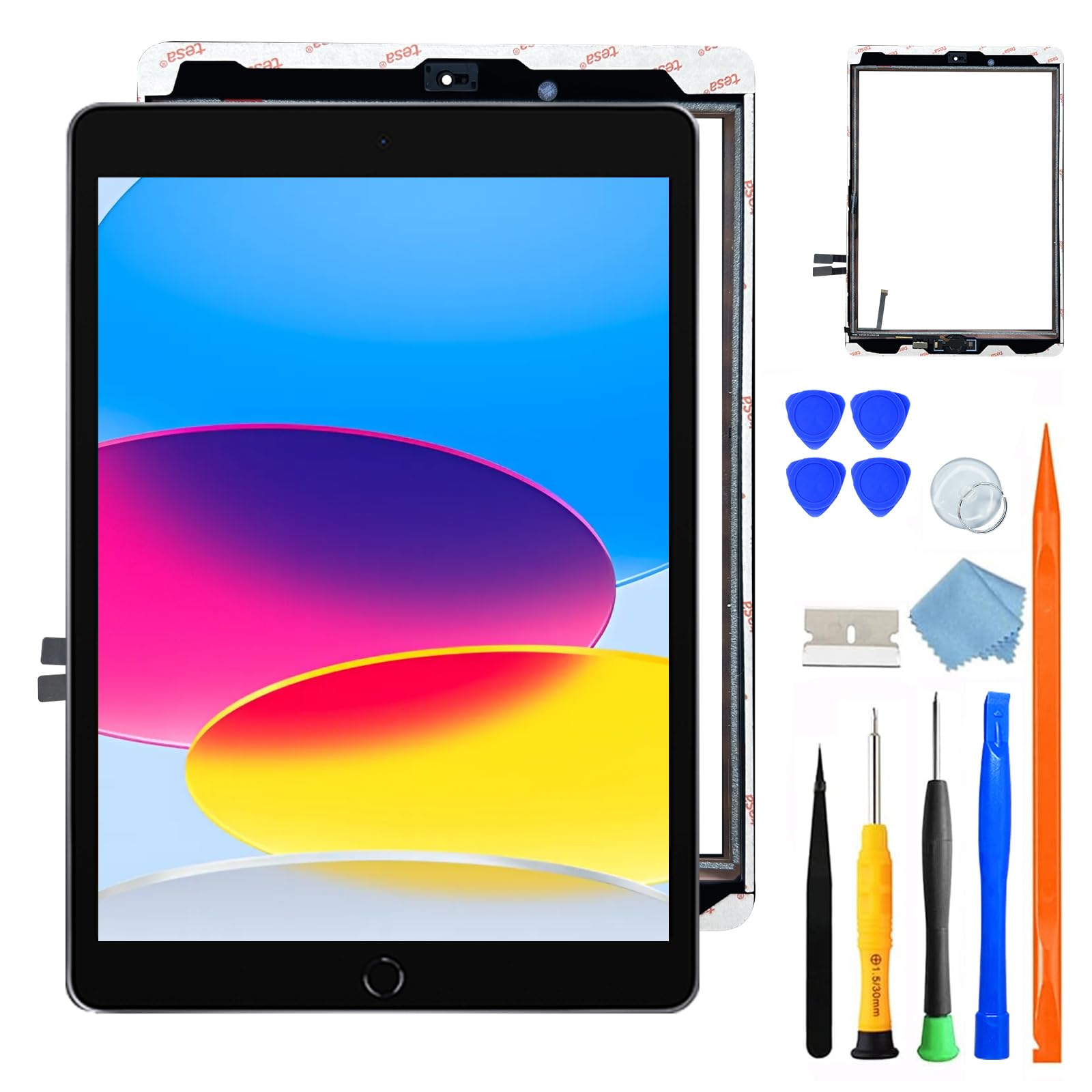
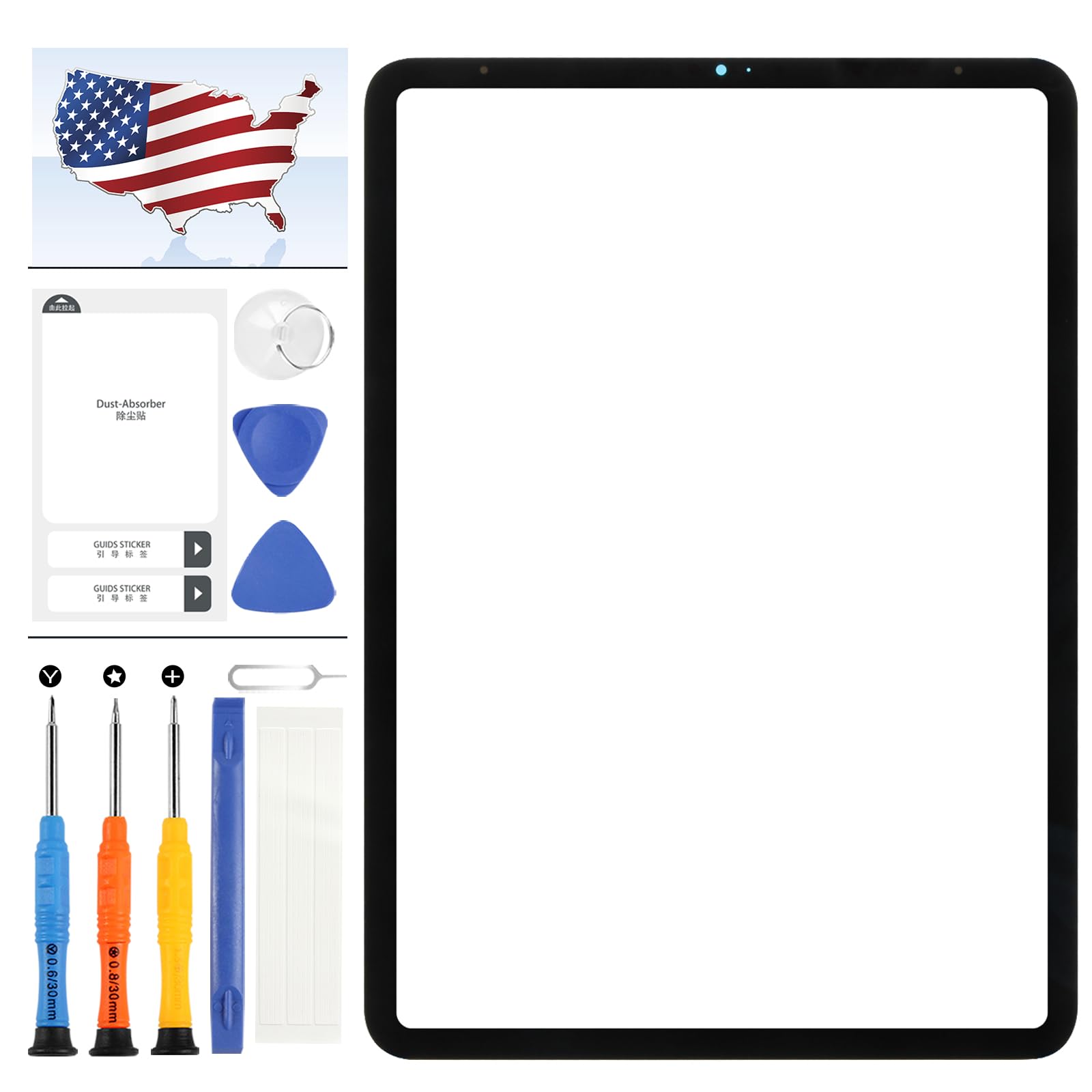
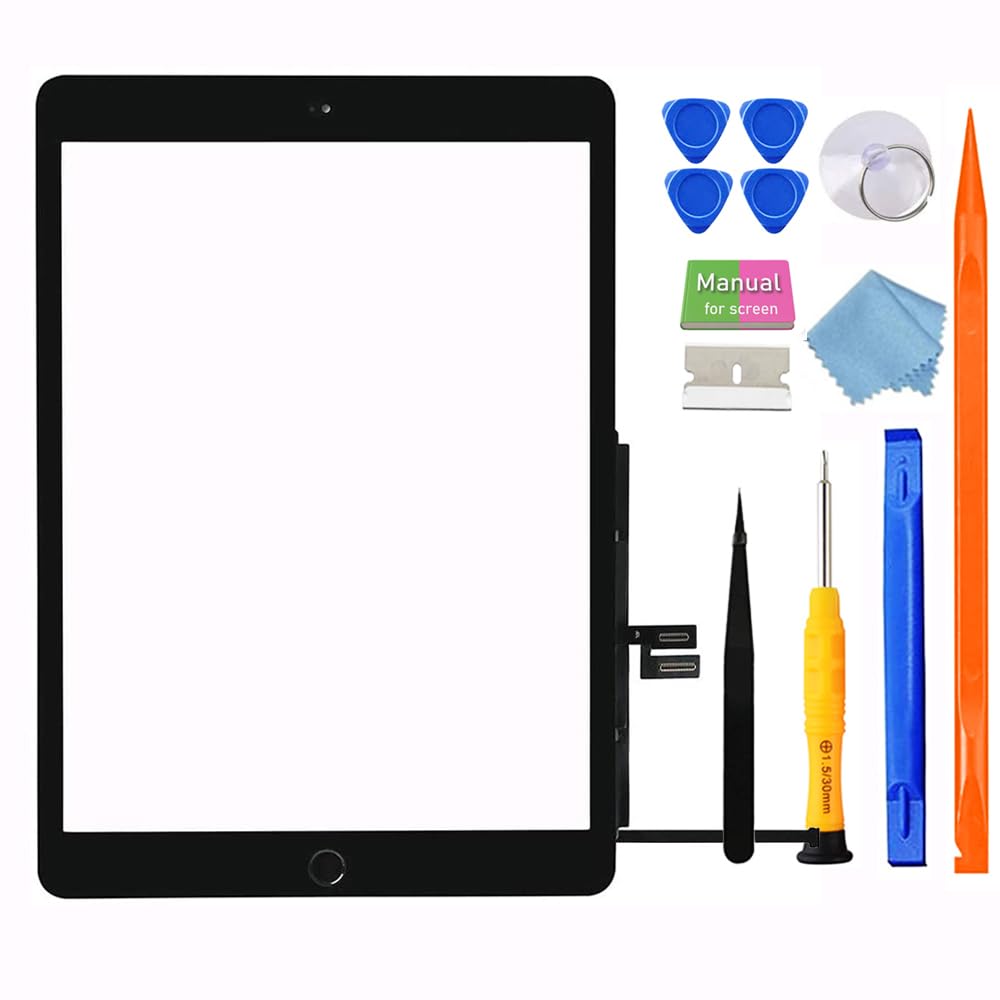
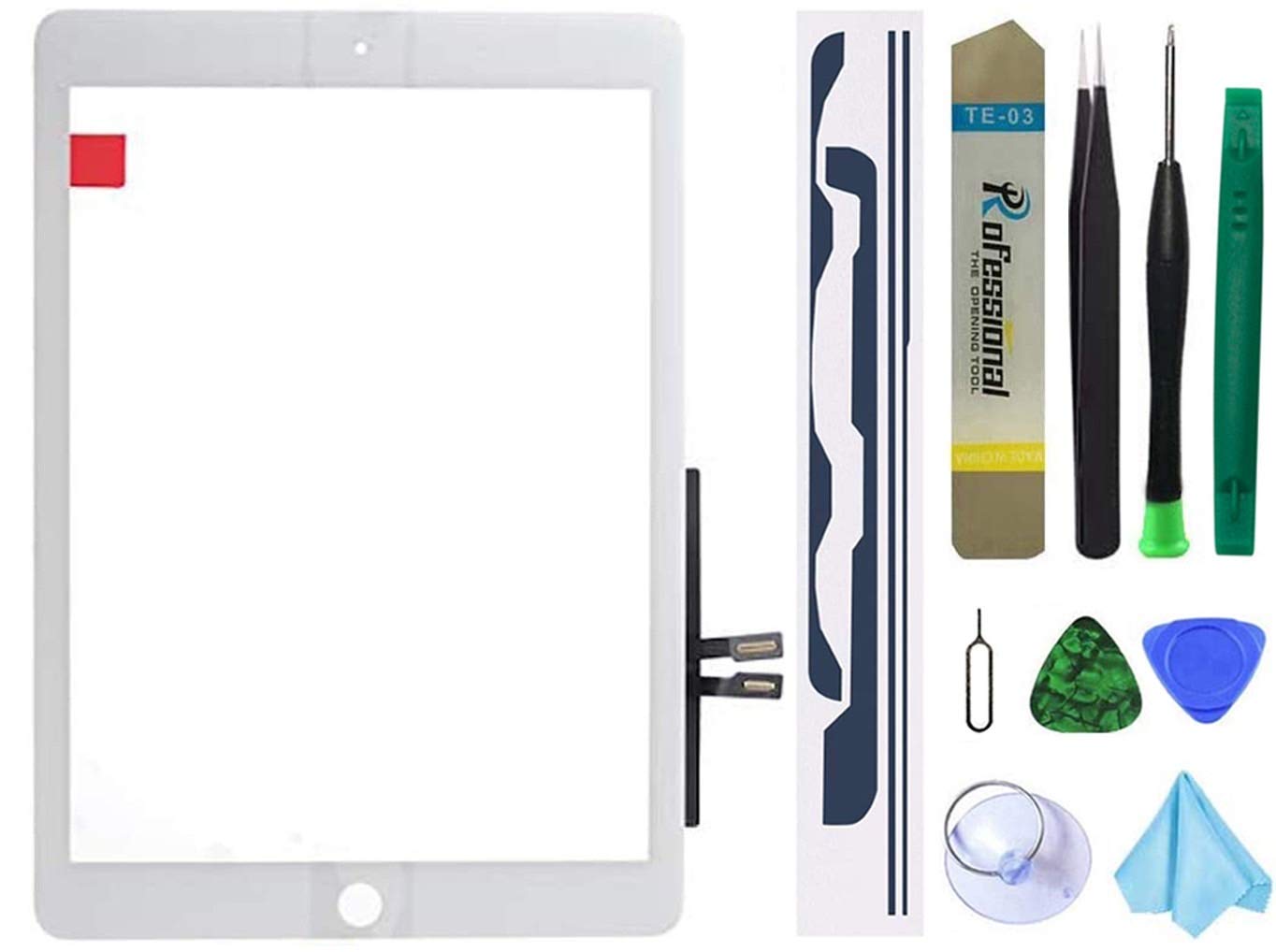
This replacement touch screen digitizer is designed specifically for the iPad Air 2 (2nd generation, 9.7-inch model), compatible with both A1566 and A1567 variants. The component is constructed from tempered glass with a precise cutout for the front camera and sensors, omitting the home button area to match the original factory design. It is sold as a stand-alone digitizer panel without an LCD screen or installation instructions, intended for users who have prior repair experience or are following a separate guide. The glass surface features an oleophobic coating that resists fingerprints and smudges, helping to maintain a clean appearance during daily use. The digitizer’s responsive touch layer supports multi-touch gestures and retains the same sensitivity as the original part, ensuring smooth swiping, tapping, and scrolling once properly installed. The replacement part is crafted to match the original dimensions and thickness, allowing a snug fit within the device frame without excessive gaps. The white bezel color coordinates with the front panel of white iPad Air 2 models, providing a uniform look after installation. Assembly requires careful removal of the broken digitizer and adhesion using appropriate tools, as the component does not include adhesive or necessary mounting hardware. Hardened glass construction offers a degree of impact resistance, though it is not shatterproof; careful handling during installation and daily use is recommended. The touch functionality maintains reliable performance when properly connected to the device’s flex cable, with no phantom touches or delayed response observed under normal conditions. Users should note that this part is strictly a digitizer replacement; it does not include the LCD display, home button module, or any pre-applied adhesive. For a complete screen repair, both the LCD and digitizer must be addressed separately. The absence of the home button cutout is deliberate, as the iPad Air 2 uses a separate physical button assembly that must be transferred from the original screen or sourced separately. The digitizer’s flex cable is pre-attached and ready for connection, following the standard repair procedure for this model. The part has undergone basic quality checks and is packaged to avoid damage during transit. When considering a repair, it is advisable to verify the exact model number (A1566 or A1567) to ensure compatibility. The replacement process typically requires a heat source, suction cup, spudger, and precision screwdrivers, along with new adhesive strips for proper sealing. This component is a cost-effective solution for restoring touch input to a device with a cracked or unresponsive digitizer, though the LCD and home button must remain functional. The white color option matches the factory finish, maintaining the original aesthetic. Priced at a budget-friendly level, this digitizer offers a practical alternative to full professional repairs for those with the necessary skills. It is important to follow a detailed video guide or written tutorial to avoid damaging the LCD or internal connectors during installation. The part is intended for do-it-yourself repairs and is not recommended for first-time users without prior experience.
iPad Air 2 Touch Screen Replacement Budget Digitizer Repair Deal

Tablet Replacement Parts
for iPad Air 2 Touch Screen Replacement for iPad Air 2nd Gen 9.7 Screen Replacement A1566 Digitizer Sensor A1567 Touch Digitizer Panel Glass No Home Button Repair Parts(No LCD,No Instructions) White
$17.00
The price is for reference only, the actual price shall be subject to that on Amazon.
iPad Air 2 Touch Screen Replacement - Budget Digitizer Repair Deal.
Restore touch function on your iPad Air 2 with this affordable digitizer replacement. Omit LCD, no home button cutout. White bezel, tempered glass, great value for DIY repair. Compatible A1566 A1567.
Product Description
It provides a reliable touch layer that performs similarly to the original when installed correctly.
Price Compare
Batch 1 of 3









Today's Deals